Power Pages is Microsoft’s low-code platform for building secure, data-driven external-facing websites — such as customer portals, partner portals, vendor registration sites, or self-service applications. Unlike Power Apps, which is primarily built for internal business users, Power Pages is designed specifically for external audiences — customers, partners, or the public — who need to interact with your organization’s data securely through a professional, branded web experience.
Power Pages provides a visual, drag-and-drop design studio that allows both developers and business users to build professional websites without writing extensive code. Pages, layouts, and components can be customized visually, while developers who need deeper control can still access the underlying code (HTML, CSS, JavaScript, Liquid templating) — giving organizations flexibility between rapid low-code development and full custom design when needed.
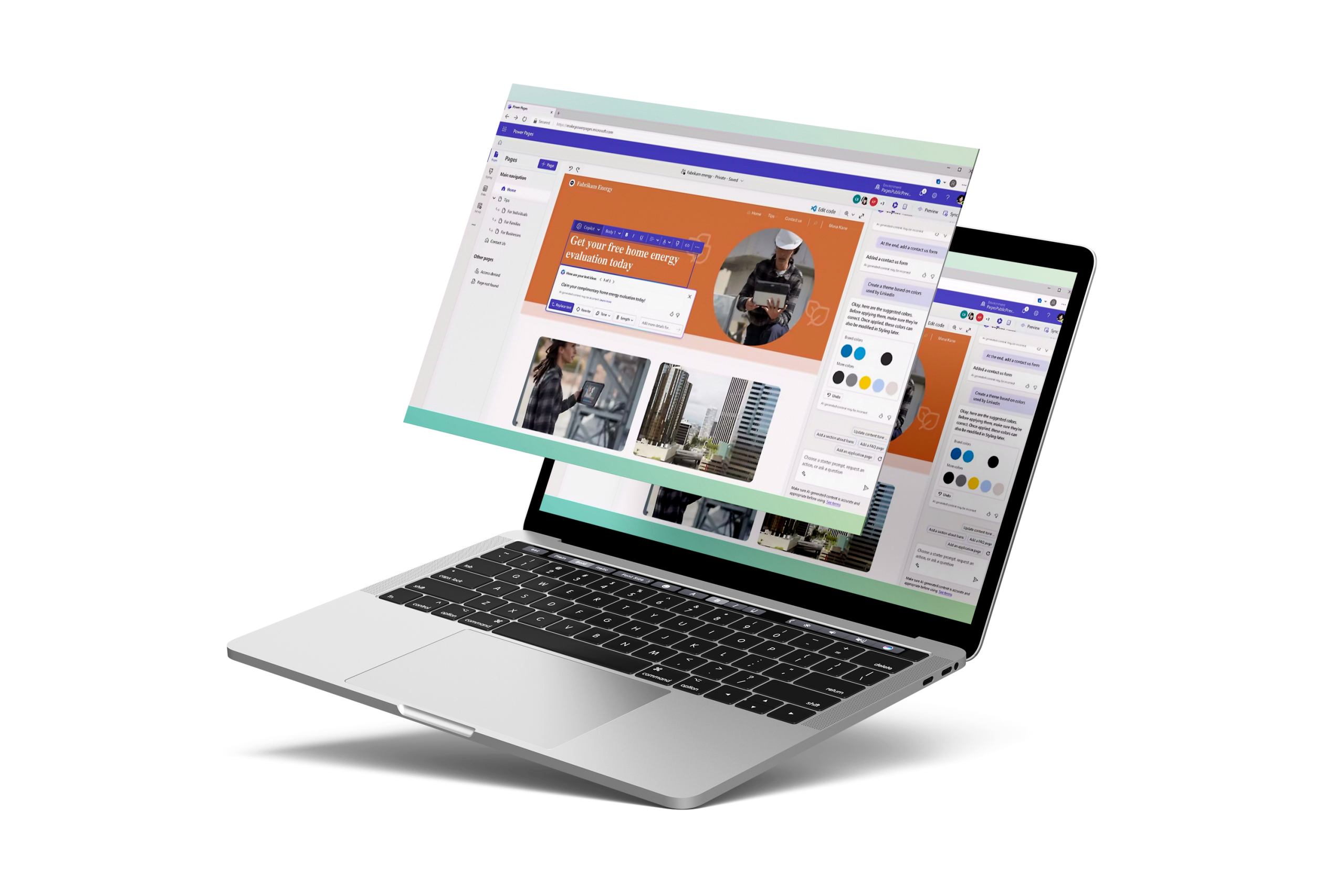
Power Pages connects natively to Dataverse, the same secure data platform used by Power Apps and Dynamics 365, allowing portals to display real-time business data — such as order status, case history, or account information — directly to external users. This means a customer portal, for example, can show a client their support ticket status pulled live from Dynamics 365 Customer Service, without manual data syncing or duplicate systems.

External users can sign in securely using multiple authentication options, including Microsoft Entra ID (Azure AD B2C), or social/external identity providers (Google, LinkedIn, Facebook, or other business-to-consumer login options). This allows organizations to offer flexible, familiar sign-in experiences for customers or partners while maintaining strict identity verification standards behind the scenes.
All websites built with Power Pages are automatically responsive, meaning they adjust seamlessly to desktop, tablet, and mobile screens without requiring separate design work for each device. This ensures a consistent, professional experience for external users regardless of how they access the portal — critical for customer-facing sites where user experience directly impacts trust and adoption.

Custom forms can be built to collect information directly from external users — such as service requests, applications, feedback surveys, or registration details — with submitted data flowing directly into Dataverse or connected business systems (like Dynamics 365). This eliminates manual data entry from paper forms or disconnected online form tools, ensuring information is immediately actionable by internal teams.

Power Pages provides granular, table-level and row-level security, meaning administrators can precisely control what data each external user or group can view, edit, or submit. For example, a partner portal can be configured so each partner only sees their own orders and commission data, never data belonging to other partners — critical for maintaining data privacy and trust with external stakeholders.
Ideal for organizations that need to provide secure, self-service access to external stakeholders — such as customer support portals, partner/dealer portals, vendor onboarding sites, membership portals, or public-facing application/registration forms — particularly those already using Dynamics 365 or Power Platform internally.
Key Benefits :

Power Apps is primarily designed for internal business users to build applications for internal processes. Power Pages, on the other hand, is specifically built for external audiences — customers, partners, vendors, or the public — who need to access or submit data through a professional, branded website.
Not necessarily. Power Pages provides a visual, drag-and-drop design studio that allows most sites to be built without extensive coding. However, developers who need deeper customization can still access the underlying code (HTML, CSS, JavaScript) for full design control.
Yes. Power Pages connects natively to Dataverse, the same data platform used by Dynamics 365 and Power Apps, allowing portals to display real-time information — such as order status, case history, or account details — directly to external users without manual data syncing.
Yes. Portals can trigger Power Automate workflows (e.g., notifications when a form is submitted) and display Power BI reports directly within the portal, creating a connected experience between the website, automation, and analytics.
Common use cases include customer self-service portals, partner/dealer portals, vendor onboarding sites, membership portals, event registration sites, and public application or intake forms.
Implementation timelines vary depending on the complexity of the project, data availability, and integration requirements. Basic dashboards can often be delivered within a few days, while enterprise-scale analytics solutions involving multiple data sources, governance, and advanced modeling may require several weeks or months.
We provide post-implementation support including system maintenance, troubleshooting, updates, and additional training based on your evolving business needs.