
Microsoft Power Apps

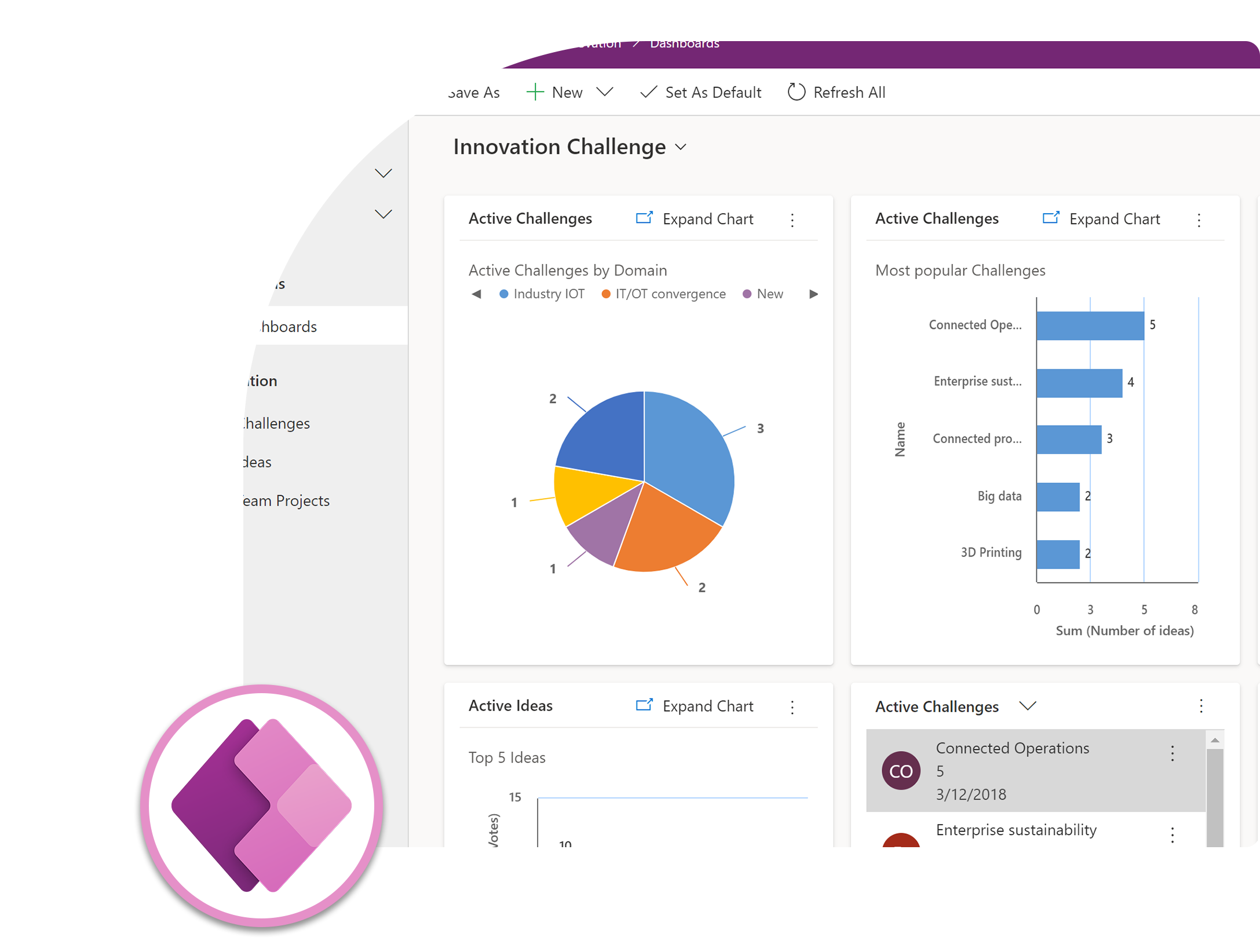
Power Apps is Microsoft’s low-code application development platform that enables organizations to build custom business apps quickly — without requiring a full team of professional developers. It allows both IT teams and business users (“citizen developers”) to create apps that solve specific operational needs, connect to existing data sources, and run seamlessly across web, mobile, and tablet devices.

Key Features of Microsoft Power Apps

Canvas Apps

Canvas Apps give users full creative control over the app’s layout and design, using a drag-and-drop interface similar to PowerPoint. Users can freely arrange screens, buttons, forms, and galleries pixel-by-pixel, making it ideal for building highly specific, user-facing applications like inspection forms, expense submission apps, or field data collection tools — without needing to write traditional code.


Model-Driven Apps

Model-Driven Apps are built based on an underlying data model (using Dataverse), with the app’s layout and navigation automatically generated from that structure. This approach is ideal for complex business processes that require structured data relationships, business rules, and consistent user experiences — commonly used for case management, approval systems, or internal operational tools where data integrity is critical.


Pre-Built Templates & Connectors

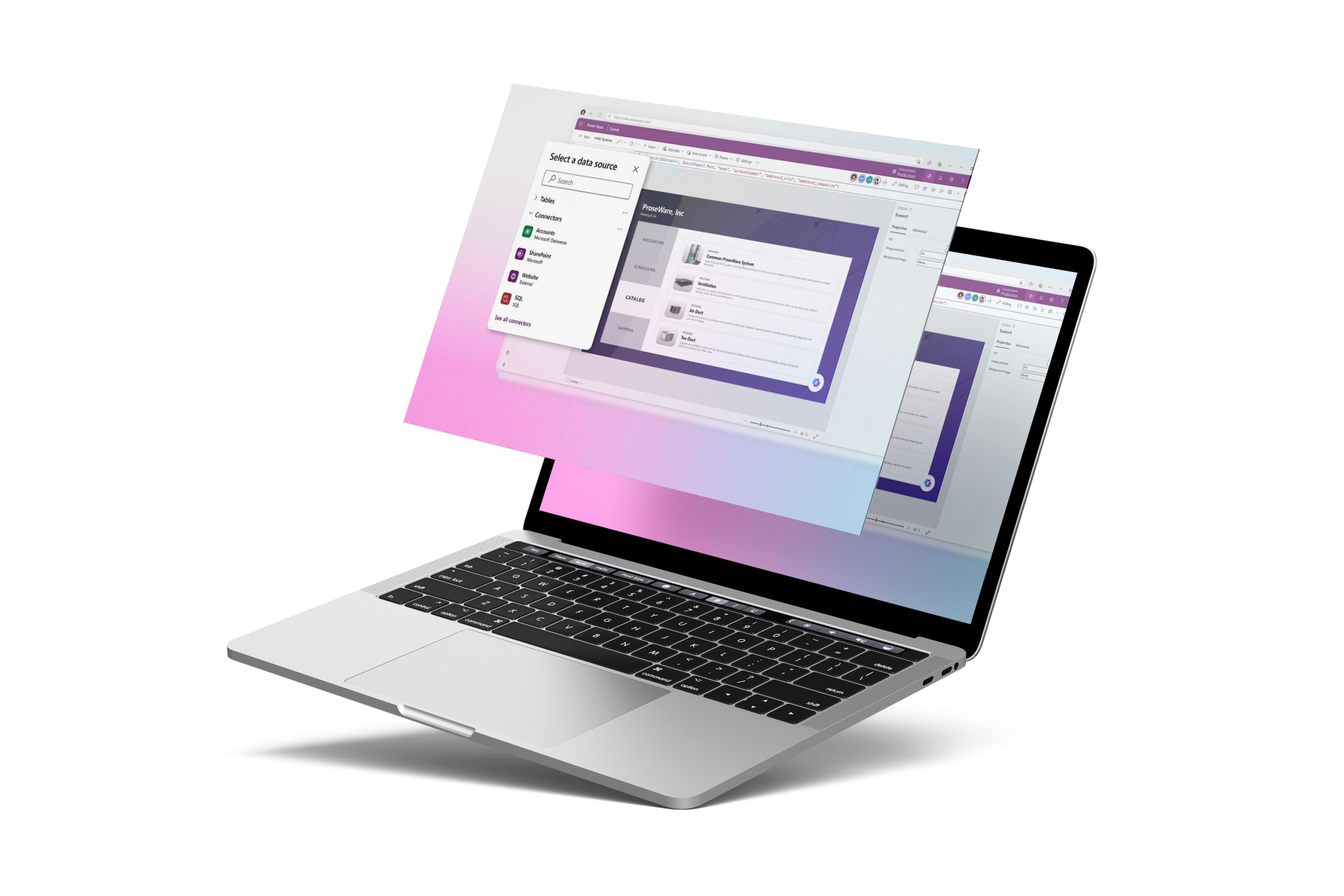
Power Apps includes hundreds of pre-built templates for common business scenarios (e.g., asset tracking, employee onboarding, inventory management) that can be customized rather than built from scratch. It also offers 1,000+ pre-built connectors to integrate with services like SharePoint, SQL Server, Excel, Outlook, and third-party platforms — significantly reducing development time compared to custom coding integrations.

Dataverse

Behind every Power Apps solution is Dataverse — the secure, structured data platform that powers the entire Power Platform. It gives your apps, workflows, and dashboards a shared, always up-to-date foundation with built-in security and business rules, so data stays consistent whether it’s accessed through Power Apps, Power Automate, Power BI, or Dynamics 365 — eliminating duplicate entry and disconnected systems as your solutions grow.


Cross-Platform Compatibility

Apps built with Power Apps automatically adapt to run on web browsers, mobile phones, and tablets without requiring separate development for each platform. This “build once, run anywhere” approach reduces development and maintenance overhead, ensuring field workers, office staff, and executives can access the same app regardless of their device.


Power Automate Integration

Power Apps integrates natively with Power Automate, allowing apps to trigger automated workflows directly from user actions — such as automatically sending an approval request when a form is submitted, or updating a record in another system when a button is clicked. This connects the “front-end” app experience with “back-end” process automation in one seamless flow.


Governance & Security Controls

IT administrators can manage app access through Microsoft Entra ID (Azure AD) authentication, define data loss prevention (DLP) policies to control which connectors can be used together, and monitor app usage across the organization through the Power Platform admin center. This ensures citizen-developed apps remain secure and compliant, rather than becoming ungoverned “shadow IT.”

Who It's For?

Ideal for organizations looking to digitize manual processes, empower internal teams to build their own lightweight tools, or extend existing systems like Dynamics 365 with custom functionality — particularly useful for operations, HR, field services, and internal approval workflows.

Key Benefits :

FAQ — Dynamics 365 Power Apps

Canvas Apps give full design flexibility with a drag-and-drop interface, ideal for highly customized, user-facing apps. Model-Driven Apps are built from a structured data model (Dataverse), with the layout automatically generated — better suited for complex business processes requiring consistent data structure and business rules.


Not necessarily. Power Apps is designed as a low-code platform, meaning most functionality can be built through visual, point-and-click tools. However, more advanced customizations can use formulas (similar to Excel) or custom code for professional developers who want deeper control.


Yes. Power Apps offers over 1,000 pre-built connectors to integrate with systems like SharePoint, SQL Server, Excel, Outlook, Dynamics 365, and many third-party platforms, significantly reducing the need for custom integration development.


Yes. Through AI Builder, apps can include features like automated form/document processing, object detection, or prediction models — all through a point-and-click interface, without requiring data science expertise.


Power Apps is commonly used to digitize manual, paper-based, or spreadsheet-driven processes — such as inspection checklists, expense approval forms, inventory tracking, employee onboarding tools, and internal request/approval systems.


Yes. Apps built with Power Apps automatically adapt to run on web browsers, mobile phones, and tablets, allowing users to access the same app across different devices without separate development for each platform.


Implementation timelines vary depending on the complexity of the project, data availability, and integration requirements. Basic dashboards can often be delivered within a few days, while enterprise-scale analytics solutions involving multiple data sources, governance, and advanced modeling may require several weeks or months.

We provide post-implementation support including system maintenance, troubleshooting, updates, and additional training based on your evolving business needs.


Partner with us to develop something extraordinary

Company

About Us

Mission & Vision

Press & Media

Support

Help Center

Documentation

Contact Support

Community Forum

Navigation Links

Home

Services

Solutions

Case Study

Subscribe to BSC Newsletter

Stay informed about the latest tech advancements, industry standards, BSC updates, and more!

You have been successfully Subscribed! Ops! Something went wrong, please try again.