Microsoft Power BI is a leading business intelligence (BI) and data analytics platform that enables organizations to transform raw data into meaningful insights through interactive dashboards, reports, and visual analytics. Designed to support data-driven decision-making, Power BI allows businesses to collect data from multiple sources, unify it into a single platform, and present information in a clear, interactive, and easy-to-understand format.
Whether data originates from Excel spreadsheets, ERP systems, CRM platforms, cloud applications, SQL databases, or other enterprise systems, Power BI consolidates it into a centralized environment where users can monitor key performance indicators (KPIs), identify trends, analyze business performance, and make informed decisions in real time.
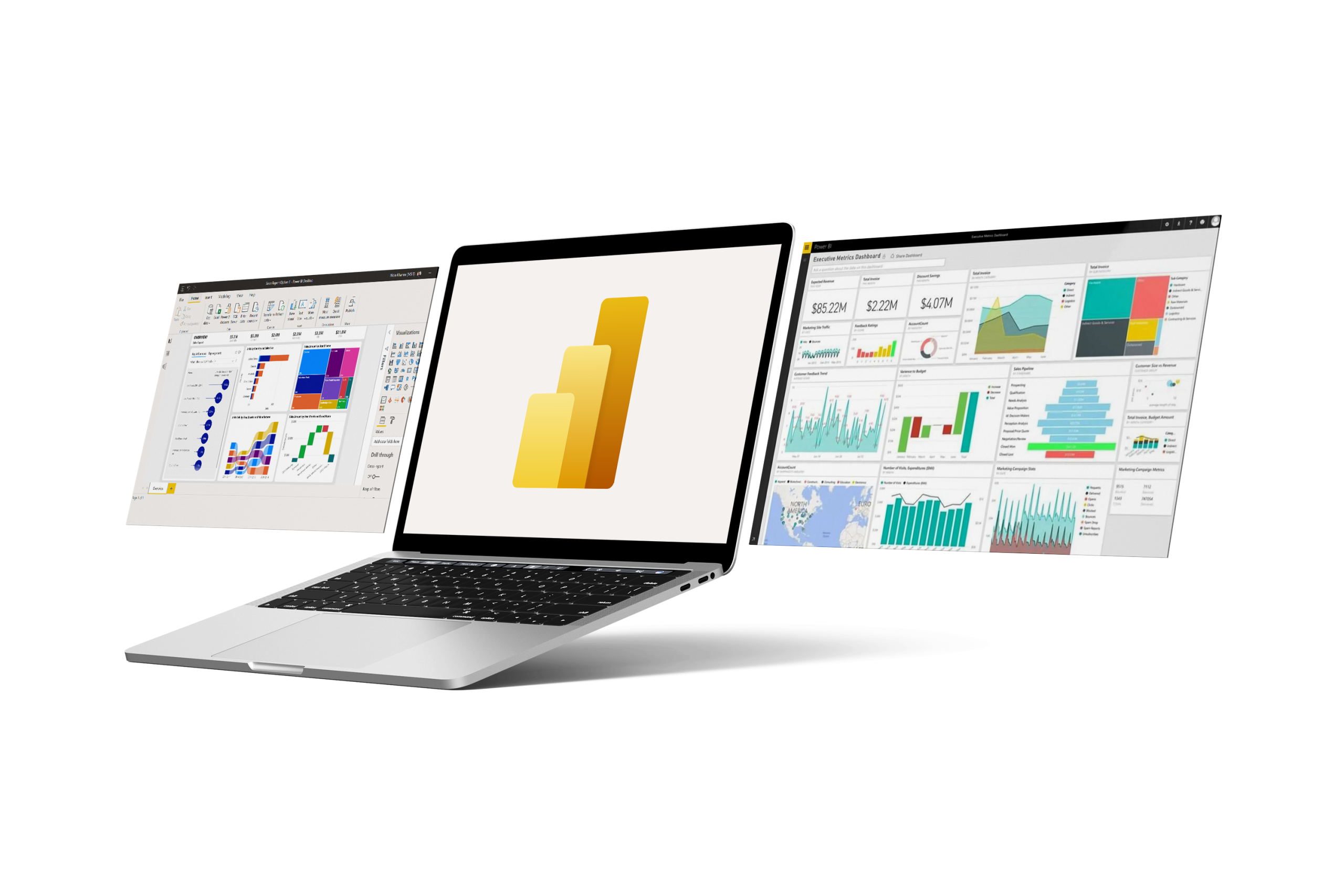
Power BI provides highly interactive dashboards that display real-time business metrics through rich visualizations such as charts, tables, gauges, maps, cards, and KPI indicators. Users can explore data dynamically by filtering, drilling down into details, and interacting with visual elements to uncover meaningful insights.

Power BI offers an extensive collection of visualization options that transform complex datasets into intuitive graphical reports. Organizations can present financial performance, operational metrics, sales trends, customer behavior, project progress, and other business information using compelling visual analytics that simplify decision-making.
Power BI supports connectivity to hundreds of data sources, including Microsoft Excel, SharePoint, SQL Server, Oracle Database, SAP, Salesforce, Dynamics 365, Azure SQL Database, Google Analytics, REST APIs, cloud storage services, and many other on-premises and cloud-based platforms. This flexibility allows organizations to centralize data from various business systems into a unified reporting solution.
Power BI enables organizations to monitor live operational data through real-time dashboards. As data changes, reports and dashboards are automatically updated, allowing management to respond quickly to emerging trends, operational issues, and business opportunities without waiting for manual report generation.

Business users can independently create reports and dashboards without relying heavily on IT departments. Through an intuitive drag-and-drop interface, users can explore data, build visualizations, create calculations, and generate insights while maintaining centralized governance and security.

Power BI includes Power Query and an advanced data modeling engine that enables users to clean, transform, merge, and prepare data before analysis. Complex business rules, calculated columns, relationships, and data transformations can be implemented efficiently without modifying the original source systems.
Power BI is built on Microsoft’s enterprise-grade cloud infrastructure with comprehensive security features, including Microsoft Entra ID authentication, role-based access control (RBAC), Row-Level Security (RLS), data encryption, compliance certifications, audit logs, and governance policies to ensure sensitive business data remains protected.

Ideal for growing small and mid-sized businesses across industries such as manufacturing, distribution, retail, professional services, and trading companies that have outgrown basic accounting software and need an integrated ERP solution
Key Benefits :

Power BI can be used to monitor business performance, analyze sales, track financial metrics, measure operational efficiency, visualize customer behavior, monitor project progress, and generate executive dashboards. It is widely used across departments such as finance, sales, human resources, operations, procurement, and management.
Power BI is designed for organizations of all sizes, from startups and small businesses to large enterprises. It is suitable for business analysts, executives, managers, and decision-makers who need accurate, real-time insights to improve business performance.
Absolutely. Power BI integrates seamlessly with Microsoft 365, Microsoft Teams, SharePoint, Dynamics 365, Azure, Microsoft Fabric, Power Apps, Power Automate, and Microsoft Excel, providing a connected analytics experience across the Microsoft ecosystem.
Yes. Power BI provides an intuitive drag-and-drop interface that allows business users to create reports and dashboards without extensive technical skills. Advanced users and developers can also leverage Power Query and DAX to build sophisticated analytical models and business calculations.
Yes. While Excel remains a valuable tool for data preparation and analysis, Power BI provides a more powerful and scalable reporting platform with automated data refresh, interactive dashboards, centralized governance, advanced visualizations, and secure report sharing across the organization.
Implementation timelines vary depending on the complexity of the project, data availability, and integration requirements. Basic dashboards can often be delivered within a few days, while enterprise-scale analytics solutions involving multiple data sources, governance, and advanced modeling may require several weeks or months.
We provide post-implementation support including system maintenance, troubleshooting, updates, and additional training based on your evolving business needs.